






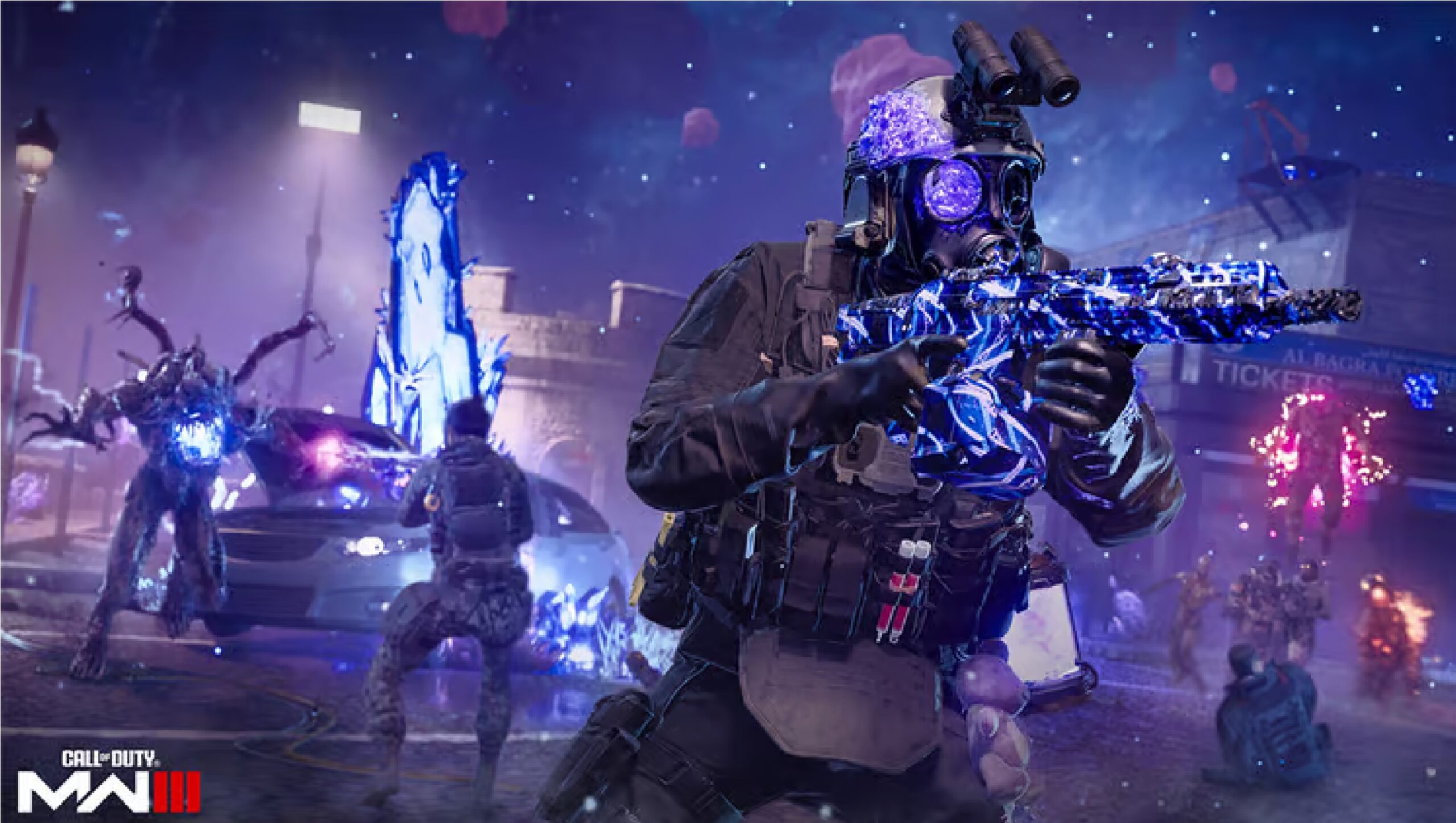

If going “lone wolf” is more your play style, here’s how you can disable Squads and play solo in Modern Warfare 3’s new Zombies mode.
Not everyone wants to jump into a MW3 Zombies session with a Squad or in a group. Players that prefer a “lone wolf” approach to the new Zombies mode of the Modern Warfare universe might wonder if playing alone is even possible.
Urzikstan is the new Zombies map, the same one found in Warzone’s Season 1 update, and its different Threat Zones are not a walk in the park. If you want to play solo, you need to prepare to face many dangers by yourself.
Here’s all you need to know on how to disable Squads and play solo in MW3 Zombies.
How to disable Squads & play solo in MW3 Zombies
To disable Squads and play solo in Modern Warfare 3 Zombies, you need to toggle the ‘Squad Fill’ option off before jumping into an MWZ lobby.
The game will automatically have the ‘Squad Fill’ option on, as the main objective is to tackle the Urzikstan challenges as a group. To play alone, you need to find the toggle under the Start button and turn it off.
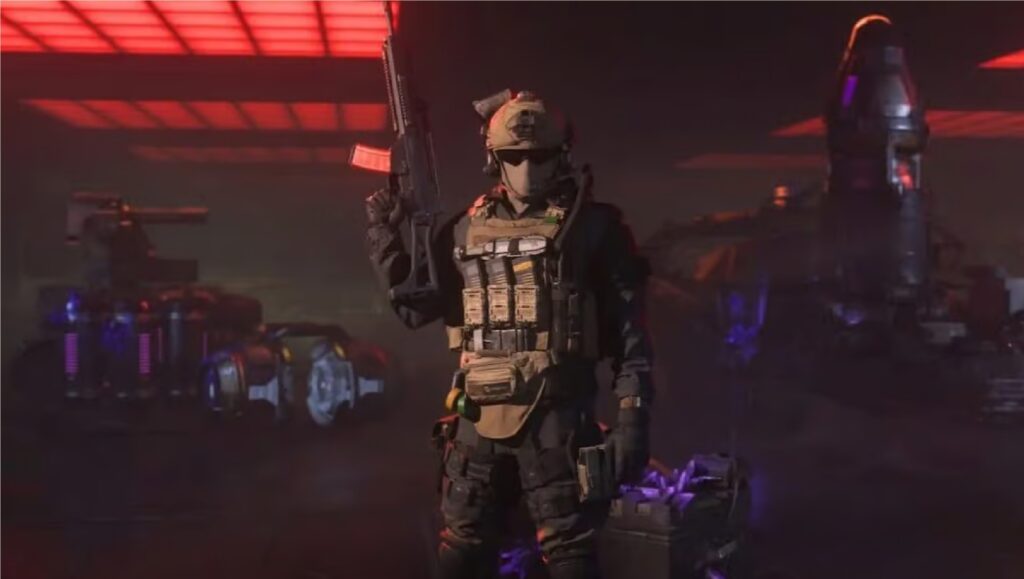
PC Players can do this by clicking the toggle option, while Xbox and Playstation 4/5 users can find and toggle it by pressing the Left Trigger or L2.
By doing this, the game will not fill the missing ranks of your Squad, meaning that if you have someone in your party, that player will jump onto the map with you. If you are alone, you will be able to play solo in MW3 Zombies.
For more on Modern Warfare 3, check out the rest of our content
by Joaquín Frere 26 Dec 2023